What Is an HDMI to IPTV Converter?

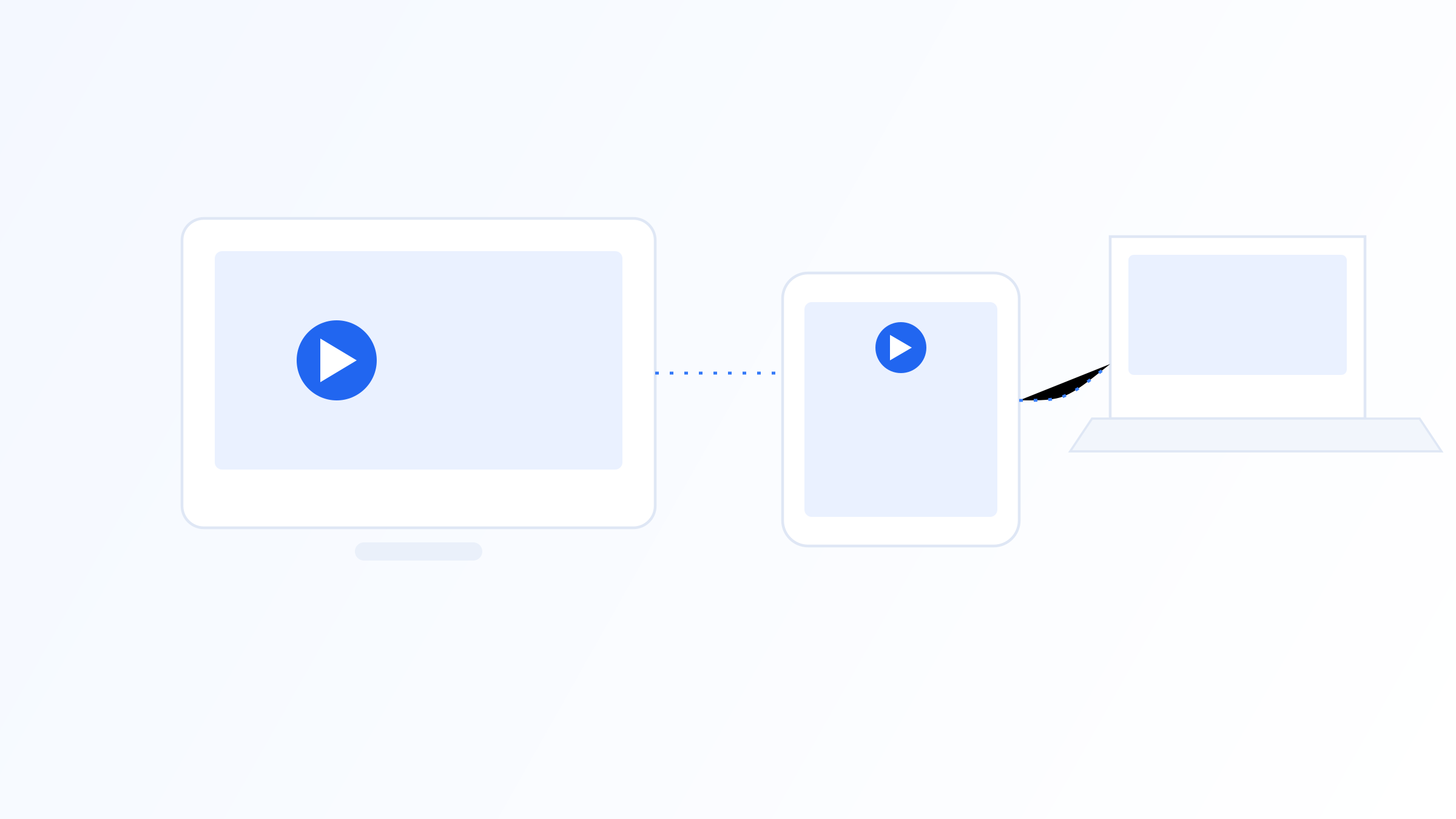
An HDMI to IPTV converter is a physical device that takes an HDMI video source and turns it into a stream that can be distributed over an IP network. These devices are commonly used in settings like hotels, gyms, offices, and small venues that want to distribute a local video source, a security camera feed, a presentation, or a local broadcast box, to multiple screens over an existing network rather than running separate HDMI cables to every display.
This article stays at the appliance level: what these devices do, when you actually need one, and what to check before buying, rather than the deeper technical process of how the signal gets compressed and packaged. A converter is generally a simpler, more turnkey device than what's called an encoder in this hardware category; if you're after the technical, protocol-level detail of how HDMI video actually gets turned into an IPTV-compatible stream, that's covered in our dedicated guide to HDMI to IPTV encoders.
What These Devices Actually Do
At a basic level, an HDMI to IPTV converter accepts an HDMI input and outputs a network stream that compatible players or displays on the same network can receive. Instead of running an HDMI cable to every screen that needs to show the same content, you run one connection into the converter, and any number of receiving devices on the network can pull the resulting stream.
This is fundamentally a distribution tool. It solves the practical problem of getting one video source to many displays without either duplicating that source or running physical video cabling across a building, which becomes impractical quickly as the number of screens grows.
It's worth distinguishing this from simple HDMI extenders, which also send a signal over a cable but typically operate as a direct point-to-point connection using specialized cabling rather than a standard IP network. A converter specifically prepares the signal for delivery over standard network infrastructure, which is what allows it to reach many devices rather than just one fixed endpoint.
When You Actually Need a Converter
Converters show up most often in commercial and institutional settings where one video source needs to reach many screens. Hotels use them to distribute a shared video source to guest rooms over existing network infrastructure. Gyms and fitness studios use them to send workout class feeds or entertainment channels to multiple screens throughout a facility. Offices and conference venues use them to distribute presentation content to overflow rooms or lobby displays.
Home use is less common but does happen, particularly for distributing a local camera feed or a broadcast tuner to multiple TVs around a house over existing network cabling rather than running new HDMI cable through walls. In nearly all cases, the appeal is the same: reuse existing network infrastructure instead of installing dedicated video cabling.
If your need is simpler than any of this, a single video source going to a single nearby screen, a standard HDMI cable or a basic HDMI extender is usually a better, cheaper fit than a full converter. Converters earn their cost specifically when the same source needs to reach multiple displays over a network.
Converter vs Encoder: Which One Do You Actually Need
A converter and an encoder solve a similar underlying problem, getting HDMI video onto a network, but they're generally aimed at different levels of complexity. A converter is typically a simpler, more turnkey appliance: connect the HDMI source, connect it to the network, and it works with minimal configuration, often at a fixed or narrow range of bitrate and resolution settings.
An encoder, by contrast, exposes more configuration around codec choice, bitrate, resolution, and output protocol, and is aimed at setups where those details actually need to be tuned, such as a broadcast headend, a multi-camera production, or a contribution link that has to work reliably over the open internet. If your use case is basic distribution within a building, a converter is usually all you need; if you need control over exactly how the stream is compressed and packaged, or you're feeding a professional distribution chain, that's the encoder's job.
For the technical breakdown of how that encoding process actually works, codec selection, bitrate tuning, and choosing between output formats like RTMP, RTSP, or SRT, see our companion guide to HDMI to IPTV encoders. This article stays focused on the simpler converter category.
Types of Converters
Converters vary mainly in output style and expected scale. Some are built for point-to-point setups, converting a single HDMI source to a single IP output for one receiving device. Others support multicast delivery, letting many receiving devices tune into the same stream simultaneously without duplicating bandwidth for each one, which matters at larger scale.
Some converters also include a basic return channel or IR passthrough, allowing limited control signals to travel back toward the source alongside the video feed, which matters for setups where a receiving location needs to influence what's being shown. This is a more specialized feature that's typically only relevant to larger commercial installations rather than simple one-way video distribution.
Across all these variations, converters generally stay on the simpler end of the configuration spectrum compared to encoder-class hardware, which is exactly what makes them a good fit for straightforward distribution needs where a technician doesn't want to manage codec or bitrate settings manually.
What to Look for When Choosing One
Match the converter's capabilities to your actual use case rather than buying based on specs alone. For a small setup with a handful of displays, a simple point-to-point converter is usually sufficient and more cost-effective. For distributing to many displays across a larger network, look specifically for multicast support, since this affects how much bandwidth the distribution actually consumes as the number of receivers grows.
Also check the supported input and output resolutions, whether the device supports the HDCP copy protection version your source requires, a common compatibility issue with certain HDMI sources, and how it handles brief network interruptions. Devices with weak error handling can produce visibly degraded video during brief network hiccups, which matters more in continuous-use commercial settings than in occasional home use.
Audio handling is another detail worth confirming: some converters pass through multi-channel or high-definition audio formats while others downmix to a simpler stereo signal, which matters if the receiving displays or connected sound systems are expected to reproduce the original audio quality faithfully.
Setup and Cost Considerations
Getting a converter running generally involves connecting the HDMI source, connecting the converter to your network via ethernet, and pointing receiving devices at the resulting stream address, most of which is handled through a simple setup interface rather than manual configuration. Multicast setups in particular need a network that properly supports multicast traffic, which isn't guaranteed on all consumer routers and may need attention on managed switches in larger installations.
Pricing varies significantly based on capability: a simple point-to-point converter is generally inexpensive, while multicast-capable units cost more, reflecting the added hardware complexity involved. For a one-off or small deployment, the cost difference is usually modest, but it compounds quickly across a larger installation with many receiving devices.
It's worth calculating the total cost of a deployment, converters, any needed network upgrades, and receiving devices, rather than focusing only on the converter's price tag. A cheaper converter that requires costly network upgrades to function reliably at scale may not actually be the more economical choice once the full picture is considered.
An HDMI to IPTV converter is a practical, appliance-level tool for getting one video source to multiple displays over an existing network, most commonly seen in hotels, gyms, offices, and similar venues. It's deliberately simpler than an encoder: less configuration, narrower feature sets, and a lower barrier to setup, which is exactly the point for straightforward distribution needs. If your use case needs finer control over codec, bitrate, or output protocol, that's the territory of an encoder rather than a converter, and worth reading up on separately before you buy.
Related on our site
Further reading
Quick FAQ
What's the difference between an HDMI to IPTV converter and an encoder?
A converter is generally a simpler, more turnkey appliance built for basic distribution with minimal configuration, while an encoder exposes more control over codec, bitrate, resolution, and output protocol for more technical or professional distribution setups. If you just need to get one HDMI source onto a network for a handful of screens, a converter is usually the right fit.
Do I need a converter for a typical home IPTV setup?
No. Most home IPTV setups only need a streaming device or smart TV app connected to your TV via a standard HDMI cable. Converters are specifically for distributing an HDMI source to multiple displays over a network, which is more typical of commercial settings.
What is multicast support and why does it matter?
Multicast lets multiple receiving devices access the same stream simultaneously without each one consuming separate bandwidth, which is efficient when distributing to many displays. Point-to-point setups without multicast require separate bandwidth for each receiver, which becomes impractical as the number of screens grows.
Can HDCP copy protection cause issues with these converters?
Yes, this is a common compatibility issue. If your HDMI source requires a specific HDCP version and the converter doesn't support it, you may see a blank screen rather than video output. Checking HDCP compatibility before purchasing is worth doing, especially with premium content sources.
When should I choose an encoder instead of a converter?
When you need control over codec selection, bitrate, or output protocol, such as feeding a broadcast headend, a multi-camera production, or a contribution link over the open internet. Our guide to HDMI to IPTV encoders covers that technical process in detail.
Ready to set up your own IPTV player?
View Pricing PlansReminder: use only legally licensed playlists and content sources. See our Legal & Responsible Use FAQ.