HDMI to IPTV: How Does the Technology Work?

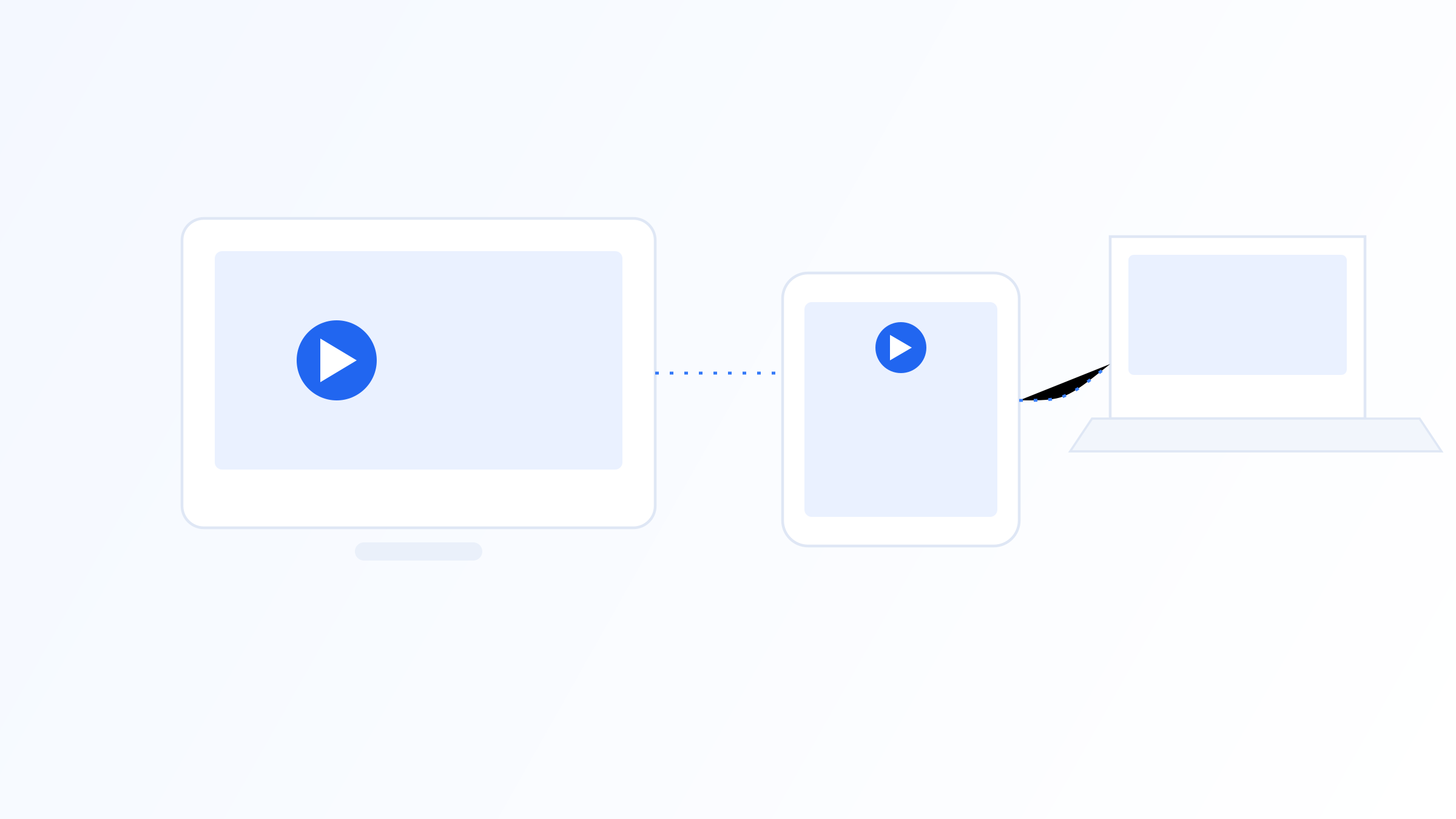
Turning an HDMI video source into an IPTV stream involves more than just plugging in a cable, it requires capturing the raw video signal, compressing it into a manageable format, and packaging it for delivery over an IP network. This process, generally called encoding, is what allows a source like a camera, a set-top box, or a local broadcast feed to become a stream that IPTV players can receive and display.
This article walks through that pipeline step by step: how HDMI signals are captured, how encoding compresses them, how the resulting stream gets packaged and delivered, and the practical factors that affect stream quality along the way.
Capturing the HDMI Signal
The process starts with an HDMI capture input, typically on a dedicated encoder device or a capture card connected to a computer. This hardware reads the raw, uncompressed video and audio signal coming from the HDMI source, which could be a camera, a media player, a set-top box, or any other HDMI-output device, and converts it into digital data the encoding software or hardware can process.
At this stage, the signal is still enormous in size, since uncompressed HD or 4K video carries a huge amount of data per second. This is why capture is only the first step, without compression, the resulting file or stream would be far too large to transmit efficiently over almost any network connection.
The quality of the capture hardware itself also plays a role that's easy to overlook, a capture device with a weak or poorly implemented HDMI input can introduce artifacts or signal issues before encoding even begins, regardless of how good the downstream encoding process is. This is why professional and semi-professional setups tend to invest specifically in reliable capture hardware rather than treating it as a minor component.
Encoding: Compressing the Signal
Encoding is the process of compressing that raw video and audio into a format that keeps acceptable visual quality while dramatically reducing file size. Common codecs used for this include H.264 (AVC) and the more efficient H.265 (HEVC), with newer deployments increasingly considering AV1 for its efficiency gains. The encoder analyzes the video frame by frame, removing redundant data both within frames and between consecutive frames, which is how it achieves such large size reductions.
Encoding can happen in hardware, using a dedicated encoder chip built for the task, or in software, using general-purpose computing power. Hardware encoding is generally more efficient and produces less system load, which matters a lot for continuous, live encoding tasks like turning an HDMI feed into a live IPTV stream. Bitrate, resolution, and frame rate settings during encoding directly affect the balance between visual quality and the bandwidth the resulting stream will require.
Keyframe interval, how often the encoder inserts a full, standalone frame rather than just the differences from the previous frame, is another setting that affects both quality and how quickly a stream can start playing or recover after an interruption. Shorter keyframe intervals generally improve seek and recovery behavior at the cost of slightly larger file sizes, which is a tradeoff worth understanding for anyone configuring encoding settings directly.
Packaging the Stream for IP Delivery
Once encoded, the compressed video and audio need to be packaged into a format IP networks can transmit and IPTV players can interpret. Common delivery protocols include HLS (HTTP Live Streaming) and MPEG-TS over UDP or RTP, each with different tradeoffs around latency, compatibility, and how well they handle network fluctuations. HLS, for instance, breaks the stream into small segments delivered over standard HTTP, which is broadly compatible but introduces some inherent latency due to segment buffering.
This packaged stream is then typically assigned a URL or multicast address that an IPTV player can connect to, sometimes organized within a playlist alongside other channels. The specific protocol chosen affects how quickly viewers see the video after it's captured and how gracefully the stream handles temporary network hiccups.
Segment length in HLS specifically affects the balance between latency and stability, shorter segments reduce the delay between capture and playback but increase the overhead of frequent segment requests, while longer segments do the opposite. Most encoding setups allow this to be configured, and the right value depends on how much the use case prioritizes low latency versus playback stability.
Factors That Affect Stream Quality
Several factors along this pipeline affect the final quality a viewer experiences. Encoder bitrate settings need to match the complexity of the source content, fast-moving footage generally needs a higher bitrate than static content to avoid visible compression artifacts at the same resolution. Network bandwidth, both at the encoding location and on the viewer's connection, sets a hard ceiling on what quality can be reliably delivered without buffering.
Latency is another consideration, particularly for live content where delay between the HDMI source and viewer playback matters. Encoding settings, buffer sizes, and the chosen delivery protocol all contribute to overall latency, and there's generally a tradeoff between minimizing delay and maximizing resilience to network instability.
Resolution scaling decisions matter too, encoding at a lower resolution than the original source can free up bitrate for better quality at that resolution, which sometimes produces a visually cleaner result than forcing a higher resolution at an insufficient bitrate. This is a common tradeoff in constrained-bandwidth scenarios, where matching resolution to available bitrate often looks better than defaulting to the highest resolution technically possible.
Where This Fits in a Broader IPTV Setup
This encoding pipeline is typically the origin point of a stream, sitting upstream of however that stream eventually reaches a viewer's IPTV player. Whoever manages the encoding infrastructure controls quality and reliability at the source, while the player app, like IPTV Iconic or similar software, handles receiving, decoding, and displaying the stream on the viewer's end.
Understanding this distinction helps explain why the same player app can produce very different viewing experiences depending on the source stream, since the player has no control over encoding decisions made far upstream. Any troubleshooting for poor stream quality should consider both ends of this pipeline rather than assuming the issue is with either the source or the player alone.
For anyone building or managing this kind of pipeline, monitoring tools that track encoder output, bitrate consistency, and dropped frames are worth setting up from the start, since these metrics make it far easier to diagnose whether a quality issue originates at the encoding stage or somewhere further downstream. Waiting until viewers report problems to start investigating makes troubleshooting considerably harder.
Common Pitfalls in Encoding Setups
A few mistakes show up repeatedly in HDMI-to-IPTV encoding setups. Under-provisioning bitrate for genuinely complex content, like fast sports footage, is one of the most common, producing visible artifacts that get mistaken for a network problem. Mismatched frame rates between the source and the encoder's configuration can also cause subtle playback stutter that's easy to misdiagnose.
Another frequent issue is neglecting audio sync, since audio and video are typically encoded through slightly different pipelines internally, and a misconfigured setup can introduce a noticeable lag between what viewers see and hear. Testing a full pipeline end to end, not just checking that video appears, catches these issues before they reach viewers.
Adaptive bitrate streaming, where a single stream is encoded at multiple quality levels and the player automatically selects the best one for current network conditions, has also become increasingly common, allowing a single source to serve viewers with meaningfully different available bandwidth without manual intervention. Setups that skip this step tend to force every viewer onto one fixed quality level, which works poorly for anyone whose connection can't reliably sustain it.
Converting an HDMI source into an IPTV stream involves capturing the raw signal, compressing it through an encoder using a codec like H.264 or H.265, and packaging the result for delivery over IP using a protocol like HLS or MPEG-TS. Each stage, capture, encoding, and packaging, introduces its own tradeoffs around quality, latency, and bandwidth. Understanding this pipeline is useful context whether you're setting up encoding infrastructure yourself or simply trying to understand why stream quality varies between different IPTV sources.
Related on our site
Quick FAQ
What's the difference between HDMI capture and encoding?
Capture is the process of reading the raw HDMI signal into digital form, while encoding is the separate step of compressing that raw data into a manageable format using a codec like H.264 or H.265. Both steps are necessary, and they're often handled by the same hardware device in practice.
Why does encoding matter for stream quality?
Encoding settings, particularly bitrate and codec choice, directly determine the balance between visual quality and bandwidth requirements. Under-encoding can cause visible compression artifacts, while over-encoding for the available bandwidth can cause buffering, so matching settings to both content and network conditions matters.
What's the difference between hardware and software encoding?
Hardware encoding uses a dedicated chip built specifically for the task, generally offering better efficiency and lower system load. Software encoding uses general-purpose computing power, which is more flexible but typically less efficient for continuous, live encoding tasks like converting an HDMI feed into a live stream.
Which delivery protocol is best for an IPTV stream?
It depends on priorities. HLS is broadly compatible and handles network fluctuations reasonably well but introduces some latency due to segment buffering. MPEG-TS over UDP or RTP can offer lower latency but has less inherent error resilience, making the right choice dependent on the specific use case.
Ready to set up your own IPTV player?
View Pricing PlansReminder: use only legally licensed playlists and content sources. See our Legal & Responsible Use FAQ.