What Is an IPTV Stream? The Technical Breakdown
The word "stream" gets used loosely, but an IPTV stream is a specific technical thing: compressed video and audio data, packaged into a defined container format, transported to your device using one of a small number of standard networking protocols. It is not simply "video over the internet" in some vague sense, it has a concrete structure, and that structure determines how a player app requests it, reassembles it, and plays it back.
This article stays at the protocol and format level: what a stream is literally made of, the container and codec choices involved, the delivery protocols in common use, and the technical factors that determine how well a given stream performs. It assumes you already know that IPTV runs over the internet rather than dedicated broadcast infrastructure, and focuses instead on what happens once that internet connection is in play.
What a Stream Actually Consists Of
An IPTV stream is video and audio encoded into a compressed digital format, then packaged into a container and transmitted over an IP network as a sequence of discrete pieces rather than one continuous signal. Your player app requests these pieces, in order, reassembles them, and decodes them for playback, typically staying only a few pieces ahead of what's currently displayed on screen.
This is meaningfully different from downloading a file, even though both travel over the same kind of network. A stream is consumed as it arrives; nothing is saved to the device in full first. If the connection is interrupted, playback stalls waiting for the next piece, rather than simply pausing a file that's already fully saved and can resume playing from where it left off regardless of the network at that moment.
A useful way to hold this distinction in mind is the difference between a live phone call and a voicemail. A voicemail is recorded in full and plays back fine regardless of your connection quality at the moment you listen. A live call, like a stream, needs both ends actively connected for the whole exchange to keep working, which is why network conditions affect a live stream in a way they simply don't affect a file you've already downloaded.
Containers and Codecs: What's Actually Inside a Stream
Underneath the protocol, every stream is built from two separate layers: the codec, which compresses the raw video and audio data, and the container, which packages that compressed data into a structure a player can parse. H.264 remains the most broadly supported video codec across IPTV apps and devices, while HEVC (H.265) achieves better compression at the same visual quality, at the cost of requiring more decoding power and not being universally supported on older hardware. Audio is typically compressed separately using a codec like AAC.
The container format determines how that compressed data is structured for delivery. MPEG-TS, or MPEG Transport Stream, is the traditional container used across much of IPTV delivery, designed to tolerate some data loss without completely breaking playback. Fragmented MP4, often organized under the CMAF standard, is a newer alternative that aligns more closely with how modern web-based streaming protocols package data, and is increasingly common in current IPTV delivery pipelines.
Knowing that codec and container are separate layers explains a common source of playback confusion: a device can technically support a given container format while lacking hardware decoding for the codec inside it, resulting in choppy playback or a stream that fails to open at all, even though the file structure itself is perfectly valid.
Common Streaming Protocols
Most modern IPTV streams use HTTP Live Streaming, known as HLS, which breaks video into short segments, typically a few seconds each, delivered as ordinary files over standard web requests. This approach works well with existing web infrastructure and supports adaptive bitrate switching, where a player automatically requests a lower-quality segment if the connection can't keep up with the current one.
Other protocols show up in specific parts of the chain. RTSP, or Real Time Streaming Protocol, is common in live and camera-feed contexts and offers lower latency than HLS but is less universally supported across consumer apps and browsers. RTMP, once the dominant protocol for live streaming ingestion, still shows up in parts of the pipeline that feeds a stream toward its eventual HLS delivery to viewers.
DASH, or Dynamic Adaptive Streaming over HTTP, works similarly to HLS in breaking video into HTTP-delivered segments, but is an open standard not tied to a single company's original specification. In practice, most consumer IPTV player apps are built primarily around HLS support, since it currently has the broadest compatibility across the widest range of devices in active use.
Unicast vs Multicast Delivery
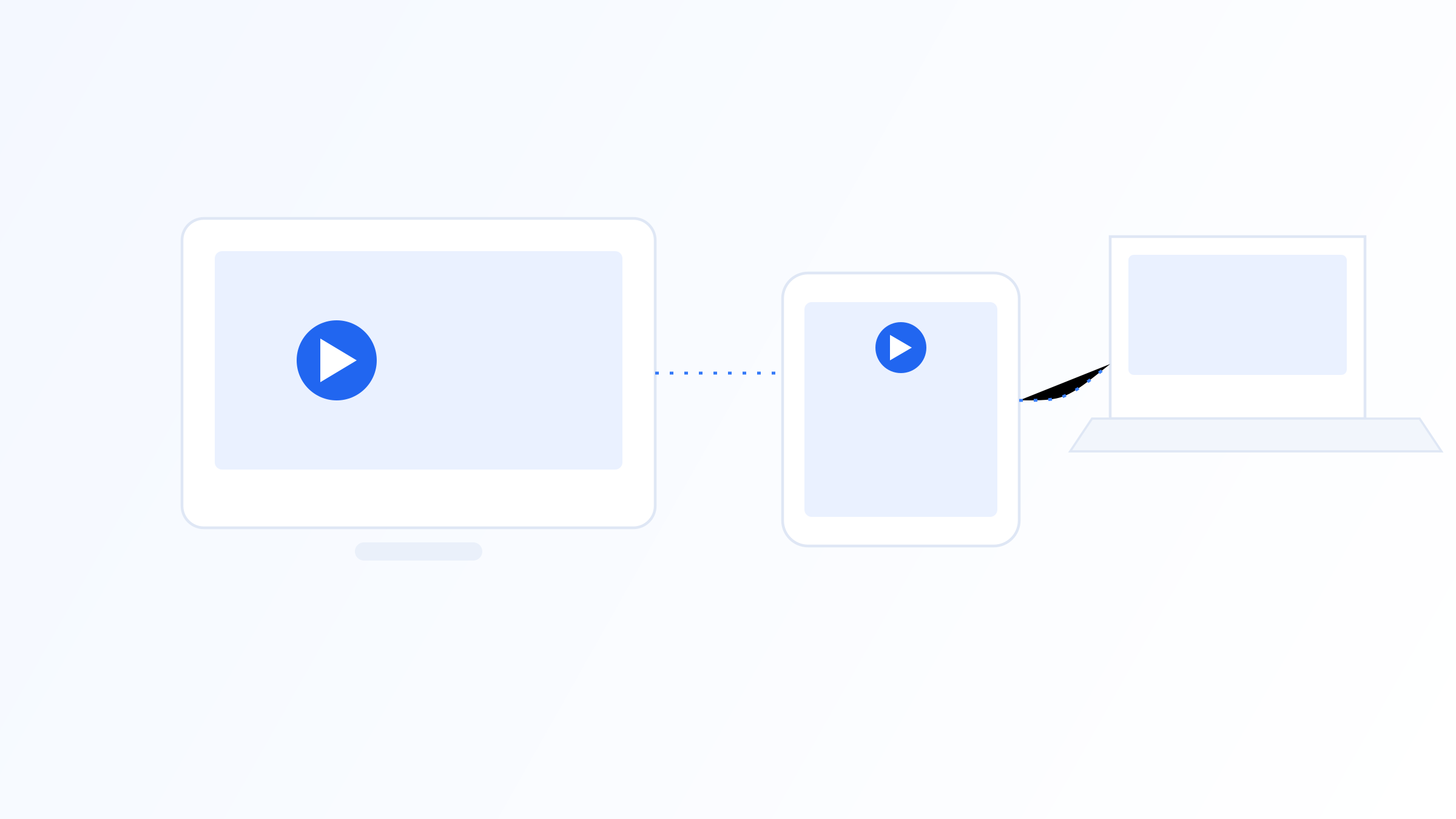
Most consumer IPTV streams use unicast delivery, meaning a separate data connection is established between the server and each individual viewer, similar to how a website sends a distinct response to every visitor. This scales well across the open internet but means bandwidth demand at the server grows directly with the number of simultaneous viewers.
Multicast delivery instead sends a single stream that multiple viewers on the same network can receive at once without duplicating the data for each one, which is far more efficient but requires network infrastructure that explicitly supports multicast routing, something not universally available across the open internet. This is why multicast shows up more in managed IPTV deployments, like within an ISP's own network, than in typical consumer internet streaming.
The practical result is that a managed deployment using multicast can support a very large number of simultaneous viewers on a popular channel without a proportional increase in server load, while unicast-based delivery over the open internet scales less efficiently as viewer counts grow, even though both ultimately deliver the same video to the viewer.
What Affects Stream Quality at the Protocol Level
Several technical factors combine to determine how a given stream actually performs. The encoding bitrate sets the ceiling on visual quality for a given resolution; network conditions between server and device determine whether that bitrate can actually be sustained in practice; and the device's decoding capability, particularly whether it supports the specific codec in hardware, determines whether it can render the incoming data smoothly without dropped frames.
Because all three factors operate independently, a stream that performs flawlessly on one device or network can behave completely differently on another, even though the source stream itself hasn't changed at all. Working through them in order, confirm the encoded bitrate is reasonable for the resolution, test on a wired connection if possible, and check whether the device decodes the codec in hardware, is a far more productive troubleshooting approach than guessing at a single cause.
Segment Duration and Buffering Behavior
Segment duration, meaning how long each small chunk of video is within a protocol like HLS, shapes how a stream feels in practice. Shorter segments, often two to four seconds, let a player react faster to changing network conditions, switching to a different quality level sooner if the connection slows, but they add slightly more overhead since the app has to request new segments more frequently.
Longer segments reduce that request overhead and can be marginally more efficient on a stable connection, but they make the player slower to react if conditions change mid-stream, meaning a longer stall before quality actually adjusts. This tradeoff is set by whoever encodes the source, not by the viewer, but understanding it explains why some streams feel more responsive to network changes than others even under the same underlying protocol.
The initial buffer a player builds before starting playback is a related but separate, usually configurable setting. A larger starting buffer means a slightly longer wait before a channel begins playing but a lower chance of an early stall, while a smaller buffer starts faster but leaves less cushion if the connection dips shortly after switching channels.
At the protocol level, an IPTV stream is compressed video and audio, packaged into a container like MPEG-TS or fragmented MP4, and delivered in small pieces using a protocol like HLS, RTSP, or DASH, over either unicast or multicast networking. Understanding these layers, codec, container, protocol, and delivery model, makes it much easier to reason about why a given stream performs the way it does, whether you're troubleshooting a specific issue or just want a precise technical picture of what's actually happening when you press play.
Related on our site
Further reading
Quick FAQ
What's the difference between a codec and a container in an IPTV stream?
The codec compresses the raw video and audio data, while the container packages that compressed data into a structure a player can parse and play. H.264 and HEVC are common codecs; MPEG-TS and fragmented MP4 are common containers, and the two layers are chosen somewhat independently.
What is HLS and why do most IPTV streams use it?
HLS, or HTTP Live Streaming, breaks video into short segments delivered as standard web files. It's widely used because it works over existing web infrastructure, supports adaptive quality switching, and is broadly compatible across devices without needing specialized networking equipment.
What is the difference between unicast and multicast streaming?
Unicast creates a separate connection for each viewer, which is how most consumer IPTV works over the open internet. Multicast sends one stream that multiple viewers share, which is more efficient but requires network infrastructure that isn't available everywhere.
Why does the same IPTV stream perform differently on different devices?
Performance depends on the source bitrate, network conditions between server and device, and the device's own decoding capability, particularly whether it supports the stream's codec in hardware. Since all three vary independently, identical source streams can behave differently across devices.
Ready to set up your own IPTV player?
View Pricing PlansReminder: use only legally licensed playlists and content sources. See our Legal & Responsible Use FAQ.