What Is an IPTV Streaming Service? A Subscriber's Guide
When someone says they've signed up for an IPTV streaming service, it's worth asking a simple question: what did they actually get? Not the technology behind it, not how the video travels from server to screen, but the plain, practical thing they're now paying for. The answer is more specific than "access to channels" — it's a defined bundle of entitlements tied to an account, and understanding exactly what's in that bundle is what makes it possible to compare one subscription against another with any confidence.
This article looks at an IPTV streaming service purely from the subscriber's seat: what you're actually buying, what typically comes included, how you get set up, and what to check on a listing page before you commit. It intentionally skips the technical machinery running behind the scenes and the different categories of service that exist — those are worth understanding too, just not here.
What You're Actually Subscribing To
An IPTV streaming service, from where you're sitting as a subscriber, isn't an app and isn't a gadget. It's a subscription that grants your account access to a channel lineup and, in many cases, an on-demand library, delivered over your existing internet connection instead of a dish, antenna, or cable line. What lands in your inbox or account panel after signing up is typically a set of login credentials or a playlist link, not a piece of software itself.
That distinction matters because it reframes what you're evaluating. You're not choosing a product the way you'd choose a phone, where the object itself is the whole purchase. You're choosing access, to a specific set of channels, a specific EPG, and sometimes a specific VOD catalog, that you then load into a player app you pick separately.
Framed this way, an IPTV streaming service is closer to renting entry to a catalog that lives on someone else's infrastructure than it is to buying a self-contained product. Your credentials are the key; the app is just the door you choose to walk through.
What's Actually Included in a Subscription
Subscriptions vary, but most bundle the same handful of components in different proportions. The channel lineup is the core: how many live channels, which regions and categories they cover, and whether the mix leans toward sports, entertainment, news, or a broad general lineup. The EPG, or electronic program guide, is what tells you what's currently airing and what's coming up next on each channel, similar to a printed TV guide.
Many subscriptions also include a video-on-demand library alongside the live channels, letting you browse movies or series on your own schedule rather than only watching whatever's currently airing. Whether VOD is included, and how deep that library actually is, differs significantly between subscriptions and is one of the easiest details to overlook when comparing based on channel count alone.
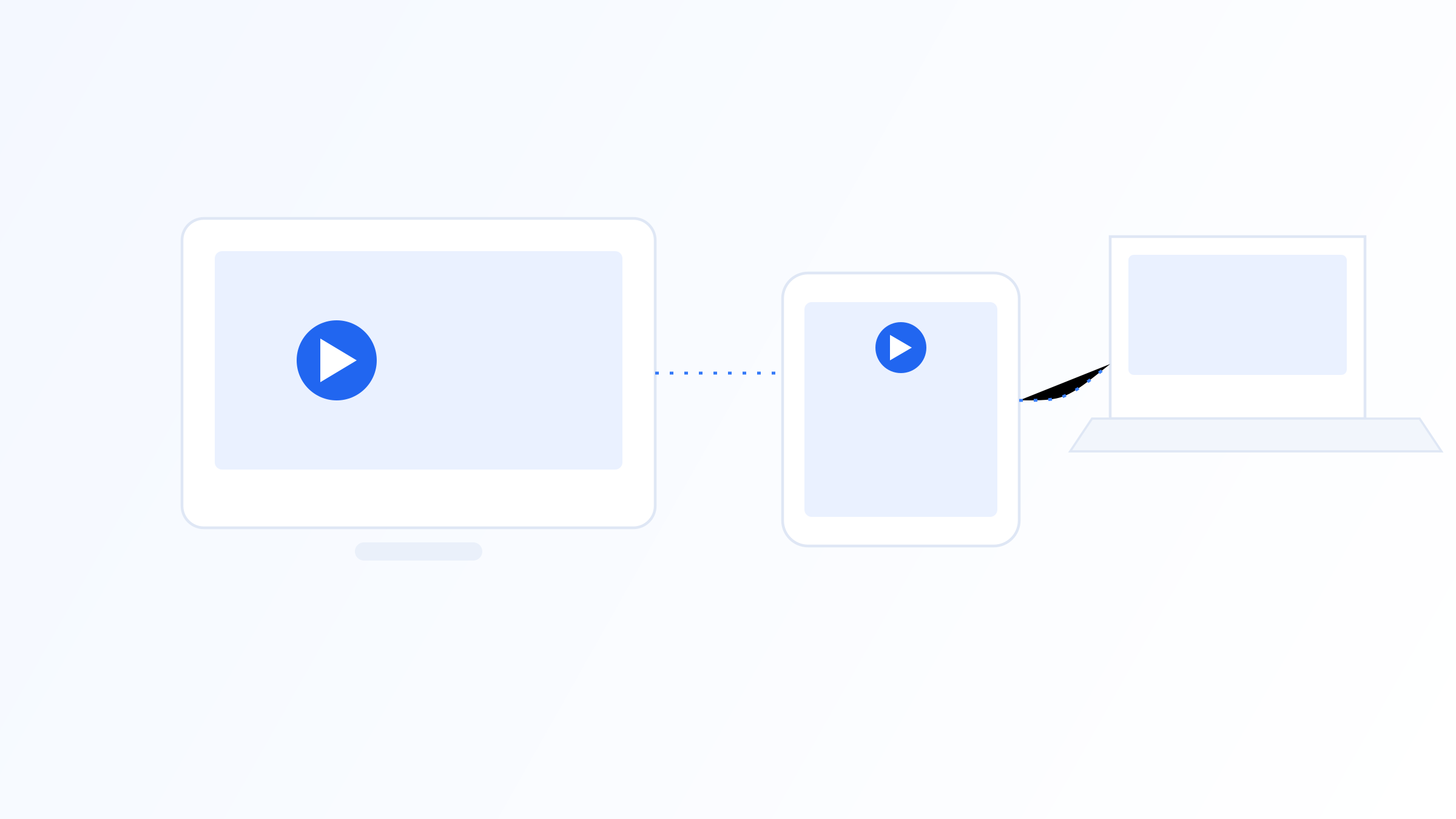
The last major component is simultaneous connections, sometimes listed as device slots or connection limits: how many devices can stream from your account at the same time. A single-connection subscription works fine for one viewer but will disconnect a second device the moment it tries to stream alongside the first, which is a common source of confusion for households expecting to watch on more than one screen at once.
Logging In and Getting Started
Getting an IPTV streaming service running day to day is mostly a matter of entering the right information into a player app once. Depending on the provider, you'll either receive a playlist URL in M3U format or a username, password, and server address in the Xtream Codes style, along with instructions for where to enter them in your chosen app.
There's generally no technician visit and no dedicated hardware shipped to you. The setup happens entirely on devices you already own, which is part of what makes an IPTV streaming service feel more like activating a digital subscription than installing a physical TV service.
Once entered, the app pulls in your channel list, EPG, and VOD catalog automatically, and from that point forward the day-to-day experience is just opening the app and picking something to watch, the same way you'd open any other app on your phone or TV.
The Service and the App Are Two Different Things
It's worth being clear on one point that trips up a lot of new subscribers: the service you're paying for and the app you're watching it through are not the same thing, even when a provider offers its own branded app. The service is the account, credentials, and content behind them; the app is simply the interface you use to browse and play that content.
Because of that separation, you're often not locked into a single app just because you've chosen a particular service, as long as your credentials or playlist use a standard format like M3U or Xtream Codes. That flexibility is worth knowing about if you ever want to try a different player without changing what you're subscribed to underneath.
What Varies From One Subscription to the Next
Once you know the basic components, the real differences between subscriptions come down to specifics rather than category. Regional focus matters: some services lean heavily toward one country or language's channels, while others aim for broad international coverage, and neither is objectively better, only more or less suited to what you actually want to watch.
Connection limits, VOD depth, and trial length are worth comparing explicitly rather than assumed. A cheaper subscription with a single connection and a thin VOD catalog isn't automatically a worse deal than a pricier one with three connections and a large library, it depends entirely on how many people in your household are watching and whether on-demand content matters to you.
Renewal terms and support responsiveness round out the list, and these are the details easiest to miss when comparing based on price alone. A subscription that's slightly more expensive but renews predictably and responds quickly when something goes wrong is often the better value over months of actual use, even if it looks less attractive on day one.
Support and What Happens When Something Goes Wrong
Every IPTV streaming service experiences occasional hiccups: a channel that temporarily drops, a guide that shows outdated schedule information, or a login that stops working after a routine update. What separates a good subscription experience from a frustrating one isn't the absence of these issues, it's how quickly and clearly the service communicates about them and gets things working again.
Before subscribing, it's worth checking what support actually looks like: is there a real way to reach someone, how quickly do they typically respond, and do they proactively communicate about known outages rather than leaving subscribers to guess whether a problem is on their end. These details rarely appear in marketing material but have an outsized effect on how a subscription feels to use over months rather than during the first week.
Reading a Subscription Listing Without Getting Lost
Subscription listings tend to use the same handful of terms repeatedly, and knowing them upfront makes comparing options much faster. "Connections" or "slots" refers to how many devices can stream simultaneously on the account. EPG refers to the program guide. VOD refers to on-demand content outside the live schedule.
You'll also see M3U or Xtream Codes mentioned, which describe the format your credentials will come in rather than anything about content quality, both are widely supported by player apps, so neither format alone should be a deciding factor. A trial period, where offered, is generally the fastest way to confirm the channel lineup and EPG data actually match what's advertised before committing to a longer billing cycle.
An IPTV streaming service, seen from the subscriber's side, is an access bundle: a channel lineup, an EPG, sometimes a VOD library, and a defined number of simultaneous connections, all tied to an account rather than a piece of hardware. Knowing exactly what's inside that bundle, reading a listing with that checklist in mind, and factoring in support quality alongside content, makes it far easier to compare subscriptions on what actually matters to your household rather than on channel count or price alone.
Quick FAQ
What exactly am I paying for with an IPTV streaming service?
You're paying for access to an account: a channel lineup, an electronic program guide, and often an on-demand library, along with a defined number of devices that can stream simultaneously. The subscription itself doesn't include a specific app, you choose that separately.
Is the player app included with the subscription, or is it separate?
It's generally separate. Some providers offer their own branded app, but the underlying service and the app you use to access it are different things, and as long as your credentials use a standard format like M3U or Xtream Codes, you can often use a different player app if you prefer.
What does "connections" or "slots" mean in a subscription listing?
It refers to how many devices can stream from your account at the same time. A one-connection subscription supports a single active stream; trying to start a second stream typically disconnects the first rather than allowing both simultaneously.
How do I know if a subscription includes on-demand content?
Check the listing specifically for VOD or video-on-demand, since it's not automatically included with every IPTV streaming service. Some subscriptions are live-channel only, while others bundle a substantial on-demand library alongside the live lineup.
Ready to set up your own IPTV player?
View Pricing PlansReminder: use only legally licensed playlists and content sources. See our Legal & Responsible Use FAQ.