What Is IPTV EPG and How Does an Electronic Program Guide Work?
An IPTV channel list without a program guide is just a wall of names — useful, but not nearly as useful as being able to see what's on right now and what's coming up next. That extra layer is EPG, short for Electronic Program Guide, and it depends on a separate data source being correctly matched to your channel list.
This guide covers how EPG data is structured, how it connects to the channels in an M3U playlist or Xtream connection, and why guide information sometimes doesn't show up correctly even when everything looks configured properly.
What an Electronic Program Guide Actually Is
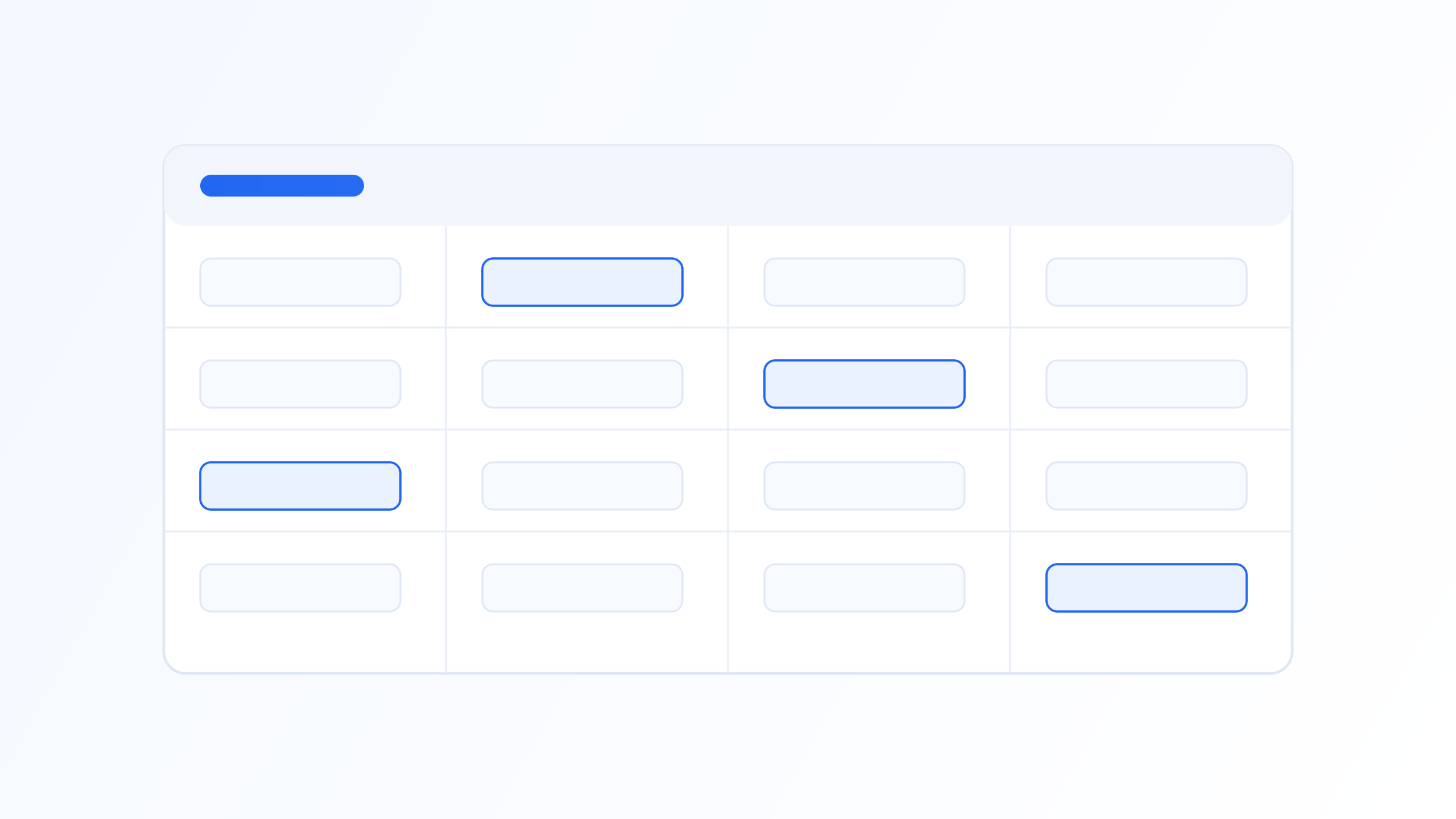
An Electronic Program Guide (EPG) is the schedule data that tells an IPTV player what's currently airing on each channel and what's coming up next — the same concept as the on-screen guide on traditional cable or satellite boxes. Practically, it's what turns a bare list of channel names into a browsable grid showing program titles, start and end times, and often a short description, letting a viewer see what's on without switching through channels one by one.
EPG is a separate data source from the video stream itself — the channel list, from an M3U playlist or Xtream connection, tells the player where to find video, while EPG data tells it what's scheduled to play. A player needs both pieces working correctly, and matched to each other, for the guide to display accurate information against the right channel.
Most EPG sources provide anywhere from a few hours to around seven to fourteen days of forward schedule data, depending on the provider, with shorter windows more common for smaller or community-maintained guide sources and longer windows typical of commercial guide data services. Past programme entries are usually dropped from the feed once they've aired, since their only remaining use would be a catch-up or timeshift feature rather than the standard live guide.
XMLTV: The Format Behind Most IPTV Guides
XMLTV is the de facto standard format for IPTV program guide data — an XML file containing a list of channels and, for each one, a list of programme entries with start time, stop time, title, and often a category and description. It originated as an open format for a Linux TV listings project and became the format most IPTV providers and third-party guide sources adopted because it's simple, widely supported, and not tied to any single platform.
An XMLTV source is typically supplied as a URL the player fetches periodically, often once or twice a day since schedules don't change minute to minute, rather than a one-time download. Each channel entry inside the XMLTV file carries an identifier, and each programme entry references that identifier along with its scheduled airtime — the matching mechanism described next is what connects this schedule data to the actual channel in your playlist.
XMLTV programme entries can also carry a category tag such as news, sport, or movie, which some players use to enable filtering or highlighting within the guide, and a rating or content advisory field where the source provides one. Support for these secondary fields varies more between players than the core schedule data does, so two apps pointed at the identical XMLTV source can still present noticeably different guide experiences.
How EPG Data Gets Matched to Your Channels
The connective tissue between a channel and its guide data is the tvg-id attribute in the M3U playlist entry, which should correspond to a channel id in the XMLTV source. When the player loads both the playlist and the EPG source, it matches each channel's tvg-id against the XMLTV channel list and, if it finds a match, pulls in that channel's programme schedule.
This matching is exact-string based in most implementations, which is why guide data can silently fail to appear even when both the playlist and the EPG source are working correctly — a tvg-id of BBCOne.uk in the playlist won't match a channel id of bbc1.uk in the XMLTV file, even though they clearly refer to the same channel to a human reader. Some players offer manual EPG channel mapping specifically to work around mismatches like this without needing to edit the playlist or EPG file directly.
Some players use a secondary fallback when tvg-id matching fails entirely: matching on the channel's display name instead, comparing the playlist's channel name against the XMLTV file's channel display-name field. This is less reliable than id-based matching, since display names vary more in formatting — abbreviations, regional suffixes, capitalization — than structured identifiers do, but it can recover a guide match in cases where tvg-id was simply omitted from the playlist entry.
Timezones and Why Guide Times Sometimes Look Wrong
XMLTV programme times are typically stored with an explicit UTC offset, and it's the player's job to convert that into the viewer's local time for display. When guide times appear shifted by a fixed number of hours — a show that should start at 8pm showing as starting at 3pm or 1am — the near-universal cause is a timezone handling mismatch somewhere in that chain, either in how the EPG source stamped its data or how the player's local timezone setting is configured.
The tvg-shift tag mentioned earlier exists specifically to correct this at the playlist level, applying a manual offset to a channel's guide data without needing to fix the underlying XMLTV source. It's a practical workaround more than a proper fix, useful when a guide source serves multiple regions with inconsistent time stamping, but it should be used deliberately rather than as a default.
Daylight saving time transitions add a further wrinkle: an EPG source that stores absolute UTC offsets handles the transition correctly by definition, since UTC itself doesn't shift, but a source using a fixed local offset without proper timezone-aware handling can show times an hour off for a week or two around the clock change until the source data catches up. This is a source-data quality issue more than anything a viewer or player can meaningfully work around.
Alternatives When No EPG Source Is Available
Not every playlist provider supplies a matching XMLTV guide source, particularly with smaller or self-hosted setups. In that case, some third-party community-maintained EPG sources cover widely available channels, though coverage and accuracy vary and are worth verifying against a couple of familiar channels before relying on them.
Where no EPG source is available at all, most players still function normally for live viewing — the guide is a convenience layer on top of channel playback, not a requirement for it. Losing guide data means losing the ability to browse upcoming schedules, but it doesn't affect whether channels themselves play correctly.
Fixing Common EPG Problems
If a channel shows no guide data at all, first confirm the EPG source URL is actually loading valid XML rather than an error page, then check whether that specific channel's tvg-id in the playlist has a corresponding entry in the XMLTV file — many free and community EPG sources simply don't cover every channel, particularly smaller or regional ones.
If guide data appears but for the wrong channel, or with times that don't match reality, it's almost always a tvg-id mismatch or a timezone offset issue rather than a fault in the player itself. Refreshing the EPG source manually after fixing a playlist's tvg-id values is usually enough to resolve it, since most players cache guide data locally between scheduled fetches for performance reasons.
EPG data turns a plain channel list into a genuinely useful guide, but it depends on two separate pieces — the playlist and the XMLTV source — being correctly matched via channel identifiers, plus consistent timezone handling on top of that. Most broken-guide complaints trace back to a tvg-id mismatch or a missing entry in the EPG source rather than a problem with the player itself. Understanding this structure makes it much faster to diagnose whether a guide issue is fixable on your end or simply a gap in the guide data source you're using.
Related on our site
Further reading
Quick FAQ
What does EPG stand for in IPTV?
Electronic Program Guide. It refers to the schedule data — program titles, air times, and descriptions — displayed alongside a channel list, similar to the on-screen guide used on cable or satellite boxes, letting viewers browse what's airing without switching channels one by one.
Why does my IPTV player show no program guide for some channels?
Usually because the channel's tvg-id in the playlist doesn't match any channel id in the connected XMLTV guide source, or because that specific channel simply isn't covered by the EPG source at all. Manual EPG channel mapping in the player can sometimes resolve a mismatch like this.
What is XMLTV?
XMLTV is the standard XML-based file format used for IPTV program guide data, listing channels and their scheduled programmes with start and stop times. It's the format most IPTV providers and third-party guide sources use, which is why most players are built around it by default.
Why are the times on my program guide wrong?
This is typically a timezone handling issue, either in the EPG source's time data or the player's local timezone setting. The tvg-shift tag in a playlist can apply a manual correction for a specific channel if needed, though it should be used deliberately rather than as a default.
Ready to set up your own IPTV player?
View Pricing PlansReminder: use only legally licensed playlists and content sources. See our Legal & Responsible Use FAQ.